
Guide
WoW Forever Classic vs Enhanced: pick Enhanced if unsure, because the preset only sets your starting defaults
WoW Forever Classic vs Enhanced is a choice of starting defaults, and if you are stuck Blizzard has already answered it: 'If you are not sure which to choose, start with Enhanced.' The game asks once, the first time you log in and before you pick a Ruleset. It does not lock anything in, so a wrong pick costs you a visit to the Options menu.
The rest of this page sets out what each preset switches on, what it leaves alone, and how it differs from the separate HD or SD choice you make for each character. For the wider picture of models, lighting and rendering, read the WoW Forever graphics page. This one is only about the decision on that first screen.
The verdict: who should pick which
Pick Enhanced if you are new to Forever, if you play modern World of Warcraft, or if you have no strong feeling. Blizzard describes it as 'An updated presentation with higher visual fidelity and additional interface features enabled by default', and says it 'puts several conveniences within easy reach for players accustomed to modern WoW'. Quest markers are the conveniences that matter most to a first-time player, because they show where to go next.
Pick Classic if you specifically want to find your own way. Blizzard's description is 'A more traditional presentation with simpler visuals, standard character models, and fewer modern interface features enabled by default for a cleaner, more original-style experience with less automatic guidance.' The phrase to weigh is 'less automatic guidance'. With quest points of interest and objective blobs off, there are no marked objective areas to follow, so finding the spot is left to you.
The two choices are closer than the names suggest. Both give you the same game, the same quests and the same class abilities, and neither is the 'real' way to play. Blizzard is direct about this: 'The preset names describe defaults, not player skill.' Nothing about choosing Enhanced marks you out, and nothing about choosing Classic earns you anything.
One small point in the record favours taking the question lightly. Blizzard's launch post and New Player's Starter Guide both include the 'start with Enhanced' advice, while its returning-player post, 'Return to Azeroth', leaves that sentence out and simply says you can change the selection later. That suggests the advice is meant for people who are unsure, not for veterans who already know what they want.
Every setting, side by side
Blizzard lists six starting settings for each preset, and the Enhanced column is the Classic column with each one reversed. The table adds what each setting actually does, taken from Blizzard's 3 November article 'What's New and What Feels Familiar', because the launch post only names them. Where Blizzard names a setting without explaining it, the table says so.
Read the table as a list of switches and not as two products. You can take the Classic look and keep the quest markers, or the Enhanced layout with one-bag off. Blizzard says 'Individual settings remain adjustable in Game Menu > Options', and you can 'favor that presentation without giving up the option to adjust individual settings'.
| Setting | Classic starts with | Enhanced starts with | What Blizzard says it does |
|---|---|---|---|
| Character models | Standard Definition (SD) | High Definition (HD) | SD offers 'the style associated with the original look'; HD uses 'higher-detail models and updated visuals'. Also a per-character choice. |
| Quest points of interest and objective blobs | Off | On | 'Points of interest and marked objective areas help you find where to go next.' |
| One-bag | Off | On | 'See your inventory together rather than opening each bag separately.' |
| Transmog | Off | On | 'Keep character appearance part of your adventure.' |
| Keyboard binds | Camera turning | Strafe movement | Blizzard names the type of binding only and does not list the keys. |
| Screen UI layout | Classic screen layout | Centralized screen layout | Named only. Blizzard does not describe the difference in words. |
| Overall visuals | 'simpler visuals' | 'higher visual fidelity' | Blizzard's summary of each preset, not a separate setting. |
| Modern interface features | 'fewer' enabled by default | 'additional' enabled by default | Blizzard's summary. The six rows above are the ones it lists. |
| Ruleset | No effect | No effect | 'The choice affects presentation, not which Ruleset you play on.' |
| Abilities and progression | No effect | No effect | Stated for HD and SD: 'affects only appearance—not abilities or progression'. |
What the preset does not touch
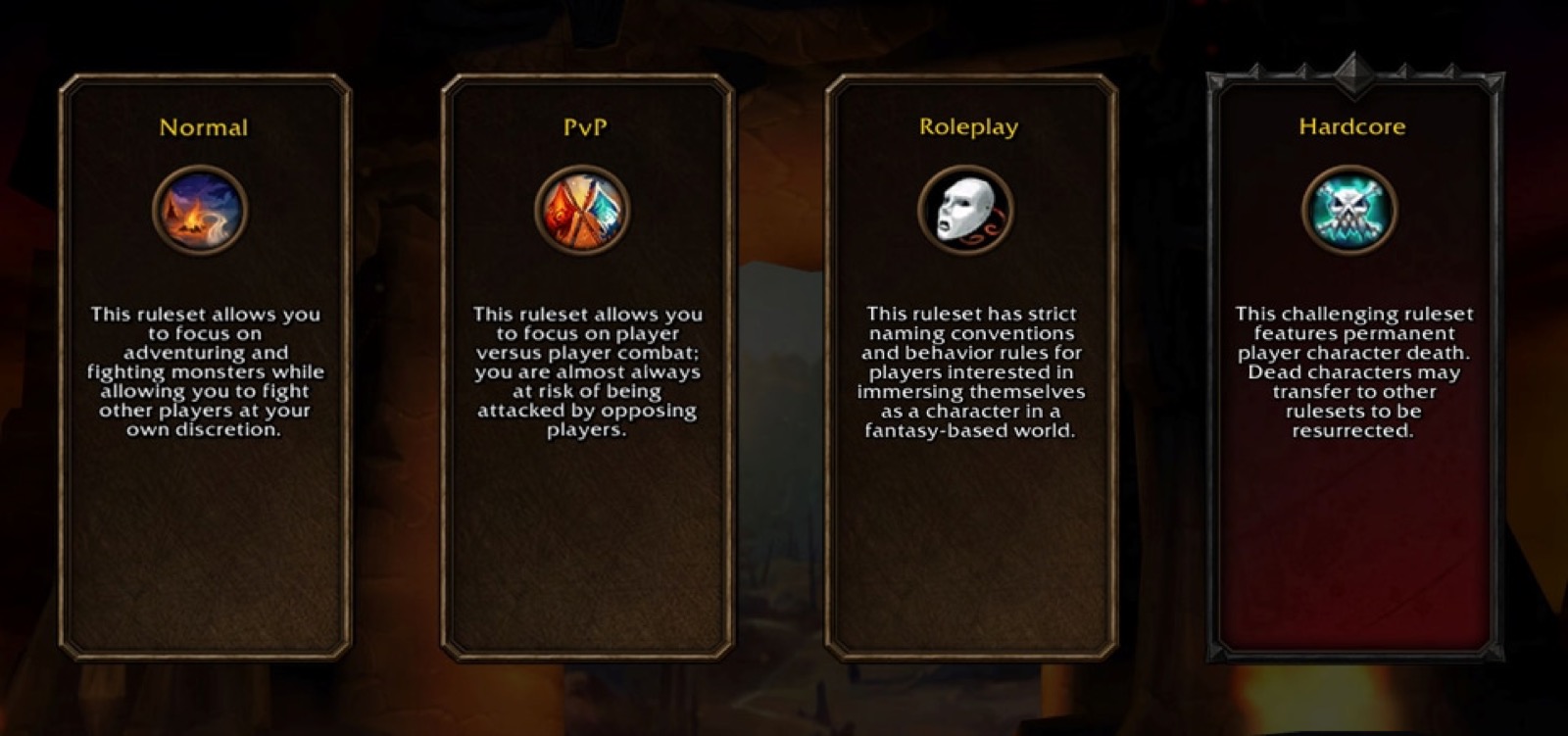
The preset is not a Ruleset. This is the mix-up the screen order invites, because the two questions come one after the other. You choose a preset, and then you choose a Ruleset (Normal, PvP, Roleplay or Roleplay-PvP at launch, with Hardcore planned for later), and Blizzard keeps them apart in plain words: 'The choice affects presentation, not which Ruleset you play on.' Your Ruleset decides how PvP works and who you can group with. Your preset does not. So two friends on different presets can play together, as long as they share a Ruleset and a faction, because those are the conditions Blizzard sets for grouping.
It is also not a separate version of the game. Blizzard describes the presets as bundling 'the game's initial visual and interface settings into two options', which is the whole of what they do. The word 'Classic' here means a screen layout and a set of defaults. It does not mean World of Warcraft Classic, which is a different game and which the WoW Forever vs Classic page compares. Nor is it a mode with tougher enemies. None of Blizzard's four descriptions of the presets connects them to difficulty, rewards or Legacy Points.
HD or SD: the per-character switch that is not the preset
Your models are decided in two places, which is why this causes confusion. The preset sets the starting point, HD for Enhanced and SD for Classic. Then 'Each time you create a new character, you can select either High Definition (HD) or Standard Definition (SD) character models and animations.' Blizzard calls this a 'character-specific choice', and it 'affects only appearance—not abilities or progression'. On that wording, one character can be SD and the next HD whichever preset you picked, and you can change either one 'later in the Options Menu or by visiting a Barbershop in game'.
The difference covers animations as well as models. Blizzard's choice is between 'character models and animations', and its BlizzCon recap mentions 'restored Classic animations for HD character models'. So HD does not simply mean modern animation. Blizzard has not published a full breakdown of which animations each option uses, and the HD or SD switch is described only for characters. It says nothing about the world, spell effects or lighting.
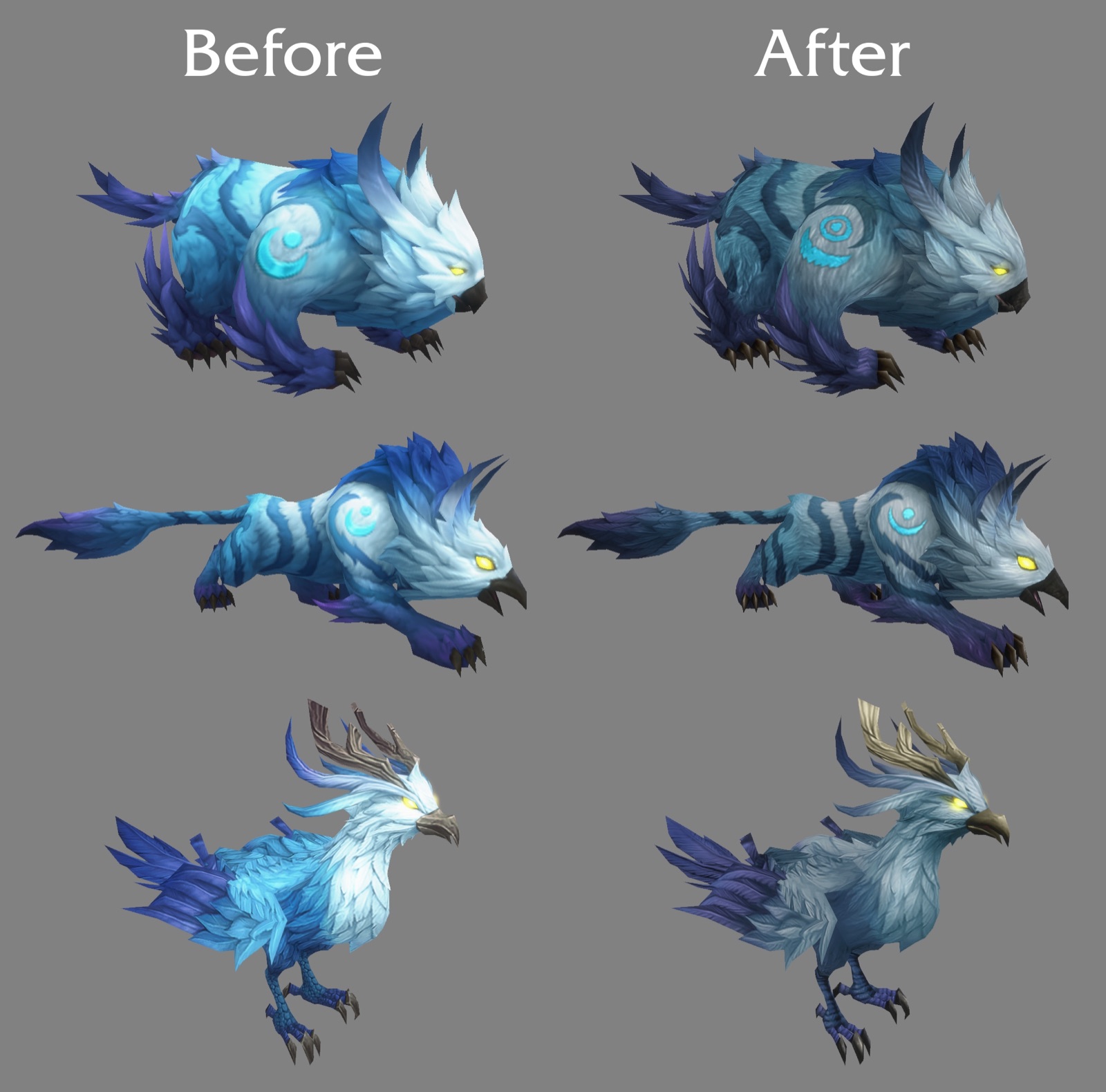
There is one real gap. Blizzard says the toggle was built around the races from original World of Warcraft, and that SD Skyborne player characters 'are in development and arriving early 2027'. Until then a Skyborne character has HD models only, even on the Classic preset. If that matters to you, it is a reason to weigh your race choice and not your preset.
Changing your mind, and the advanced options
You will not be asked again. 'After your initial log in to the game, you will no longer see this screen.' That sounds final, but it only means the prompt disappears. Blizzard gives two routes afterwards, in different posts. The launch post and the Starter Guide say you can change individual settings 'later under Game Menu > Options'. The returning-player post is more specific: 'You can change the selection later or fine-tune your experience in the Options Menu under System – Preset.' So look under System for the preset as a whole, and in the wider Options menu for single settings. For one character's models, use the Options Menu or a Barbershop.
Blizzard has not said whether a preset belongs to your account, your character or your installation, or whether switching later overwrites settings you already adjusted by hand. Before changing it on a character you have set up carefully, note the settings you care about, so that you can put them back if they move.
Combat information sits in a separate place from both presets. 'For more information during combat, Advanced options in WoW: Forever provide access to elements such as the Cooldown Manager and a Damage Meter.' Blizzard adds that these sit 'Alongside the preset settings', which means they are not part of the Enhanced bundle. The six-item starting lists above do not include them, for either preset. Blizzard has not given the exact menu path or said whether they are on by default, so on either preset, look through the Advanced options if you want them.
- First login: the Choose Your Experience Preset screen appears once, before you select a Ruleset.
- The whole preset afterwards: Options Menu, System, Preset.
- A single setting: Game Menu, then Options.
- One character's HD or SD models: Options Menu, or a Barbershop in game.
- Cooldown Manager and Damage Meter: Advanced options.
Questions people ask
- WoW Forever Classic vs Enhanced: which should I choose?
- If you are unsure, Enhanced. That is Blizzard's own advice. Choose Classic if you want SD models, no quest markers and a more original-style screen by default.
- Is Classic harder than Enhanced?
- No Blizzard document says so. The enemies, quests and abilities are not part of the preset. It does give you less automatic guidance, because quest markers start off. Blizzard says the names 'describe defaults, not player skill'.
- Does the preset change my Ruleset?
- No. Blizzard says the choice 'affects presentation, not which Ruleset you play on'. You pick your Ruleset on the next screen.
- Can I change my preset later?
- Yes. Blizzard says you can change the selection in the Options Menu under System – Preset, and individual settings under Game Menu > Options.
- Will the preset screen appear again?
- No. Blizzard says you will no longer see it after your initial login, so later changes are made in the menus.
- What is the difference between Classic SD and Enhanced HD models?
- SD offers the style of original World of Warcraft; HD uses higher-detail models and updated visuals. Blizzard says the choice affects only appearance, not abilities or progression.
- Can I use the Enhanced preset with SD models?
- Blizzard's wording supports it: settings stay individually adjustable, and you choose HD or SD each time you create a character. The preset only sets where you start.
- Does the Skyborne race have SD models?
- Not yet. Blizzard says SD Skyborne player characters and SD Druid forms are in development and arriving early 2027.
- Does Enhanced include the Damage Meter?
- Blizzard does not list it in either preset. It says the Cooldown Manager and a Damage Meter are available through Advanced options, alongside the preset settings.
- Does my preset stop me playing with friends?
- Blizzard's grouping conditions are the same Ruleset and faction. The preset is not one of them.
Sources & further reading
- Blizzard — 'World of Warcraft: Forever Now Live!' (launch post: 1,000+ quests, nine dungeons, three raids on 9 Dec, presets, rulesets, 'start with Enhanced'), 4 Nov 2026, read 6 Nov 2026
- Blizzard — 'Return to Azeroth in World of Warcraft: Forever' (returning-player post: install steps, account recovery, presets, Skyborne class list), 29 Oct 2026, read 6 Nov 2026
- Blizzard — 'New Player's Starter Guide: Welcome to World of Warcraft: Forever' (account, install, first steps, combat, gear, professions), 28 Oct 2026, read 6 Nov 2026
- Blizzard — 'WoW: Forever—What's New and What Feels Familiar' (modern-WoW comparison, one subscription for both, Cooldown Manager and Damage Meter, 16 Legacy Points, one faction on PvP), 3 Nov 2026, read 6 Nov 2026
- Blizzard — World of Warcraft: Forever What's Next panel recap (zones, dungeons, raids, battleground, roadmap), read 16 Sep 2026
- Blizzard — 'World of Warcraft: Forever — The Future of Skyborne Visual Updates' (HD Skyborne Druid forms revisited; SD Skyborne models early 2027), 7 Oct 2026, read 14 Oct 2026
- Blizzard — '[Updated 10/22] Choose Your Ruleset in World of Warcraft: Forever' (Normal/PvP/Roleplaying/Hardcore, Roleplay-PvP at launch, no cross-ruleset grouping, one faction per account on PvP, language preference), 22 Oct 2026, read 26 Oct 2026
Read next
- WoW Forever graphics
WoW Forever graphics: modern and Classic presets, HD and SD models, revised HD Skyborne Druid forms, SD Skyborne due early 2027, lighting upgrades — sourced.
- WoW Forever transmog
WoW Forever transmog: opt-in, off automatically in Classic Mode, with appearance grants by item quality — the published rules, quoted from Blizzard's recap.
- WoW Forever vs Classic
WoW Forever vs Classic: the eleven differences Blizzard has stated — zones, systems, realmless rulesets, classes, transmog, cost — in one table with sources.
- WoW Forever realmless rulesets
WoW Forever realmless explained: Normal, PvP, Roleplaying, Roleplay-PvP and Hardcore rulesets replace realms; two-part names unique per region.
- How to Download WoW Forever
How to download WoW Forever: open the Battle.net app, pick World of Warcraft, choose Forever in the Game Version menu, click Install. Dates, access, fixes.
- WoW Forever Controller Support
WoW Forever controller support works with all XInput controllers. The full button map, how to switch it on, the 84 action slots and what needs a keyboard.
Part of WoW Forever guide. Back to the WoW Forever Playbook home page.

Sukie · Editor
Sukie runs WoW Forever Playbook. She reads every Blizzard article, panel recap and forum post about World of Warcraft: Forever, checks each number against the source before it goes on a page, and rewrites anything a later Blizzard post contradicts. The focus is narrow on purpose: what Blizzard has actually said, with the source attached.
About this site · How pages are checked · Last updated November 12, 2026
WoW Forever Playbook is an unofficial fan site. It is not affiliated with, endorsed by or associated with Blizzard Entertainment. Game names, images and trademarks belong to their owners.